

Write the company instructions
The instructions are rules the assistant follows in every conversation of everyone in the company: margins, suppliers, subcontractors, shop habits.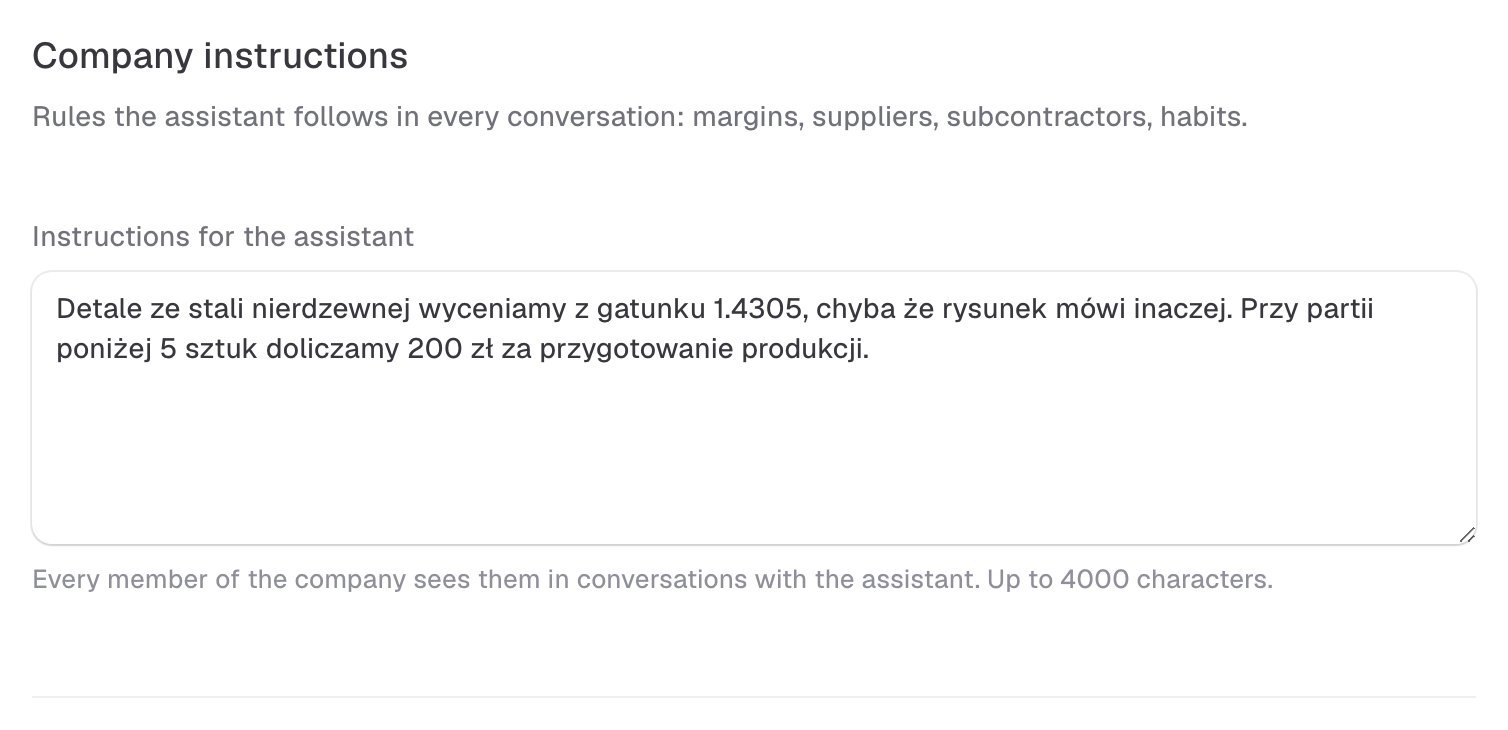
New clients get a 25% margin. Anodising is subcontracted, PLN 3/pc, +5 days. For batches over 500 pcs we ask about samples.There’s no save button: the text saves when you click outside the field, and a “Saved” message confirms it. The instructions can be up to 4000 characters, and clearing the field removes them. Only people change the instructions; the assistant can’t change them itself.
Add price lists and documents
Documents hold what’s too long for the instructions: supplier and subcontractor price lists, material sheets, work instructions. The assistant searches them when you ask and says which document a number came from.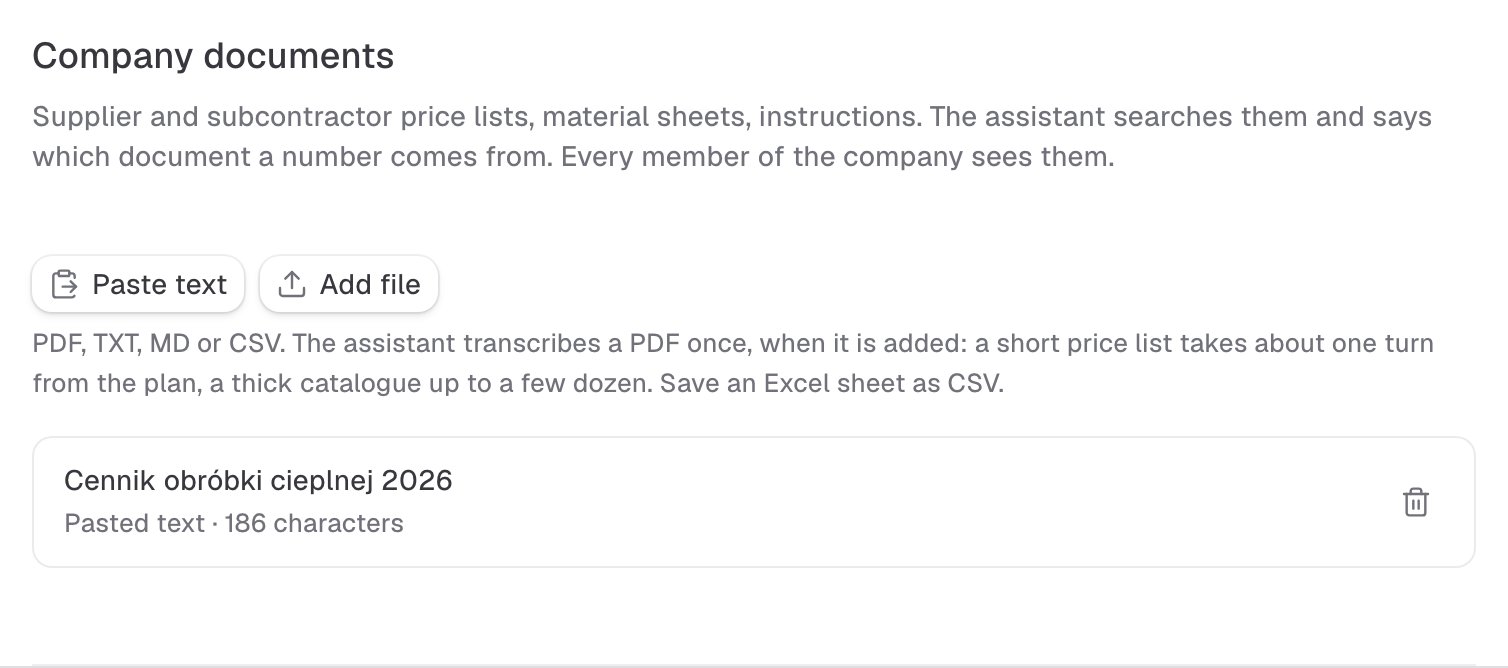
Paste text
1
Open the window
Click Paste text.
2
Name the document and paste the content
In Document name, type a name you’ll recognise, which the assistant also gives as the source, for example “Stal-Pol price list, November 2026”. In Content, paste the price list or table. Keep each table row on its own line so the assistant doesn’t mix up prices.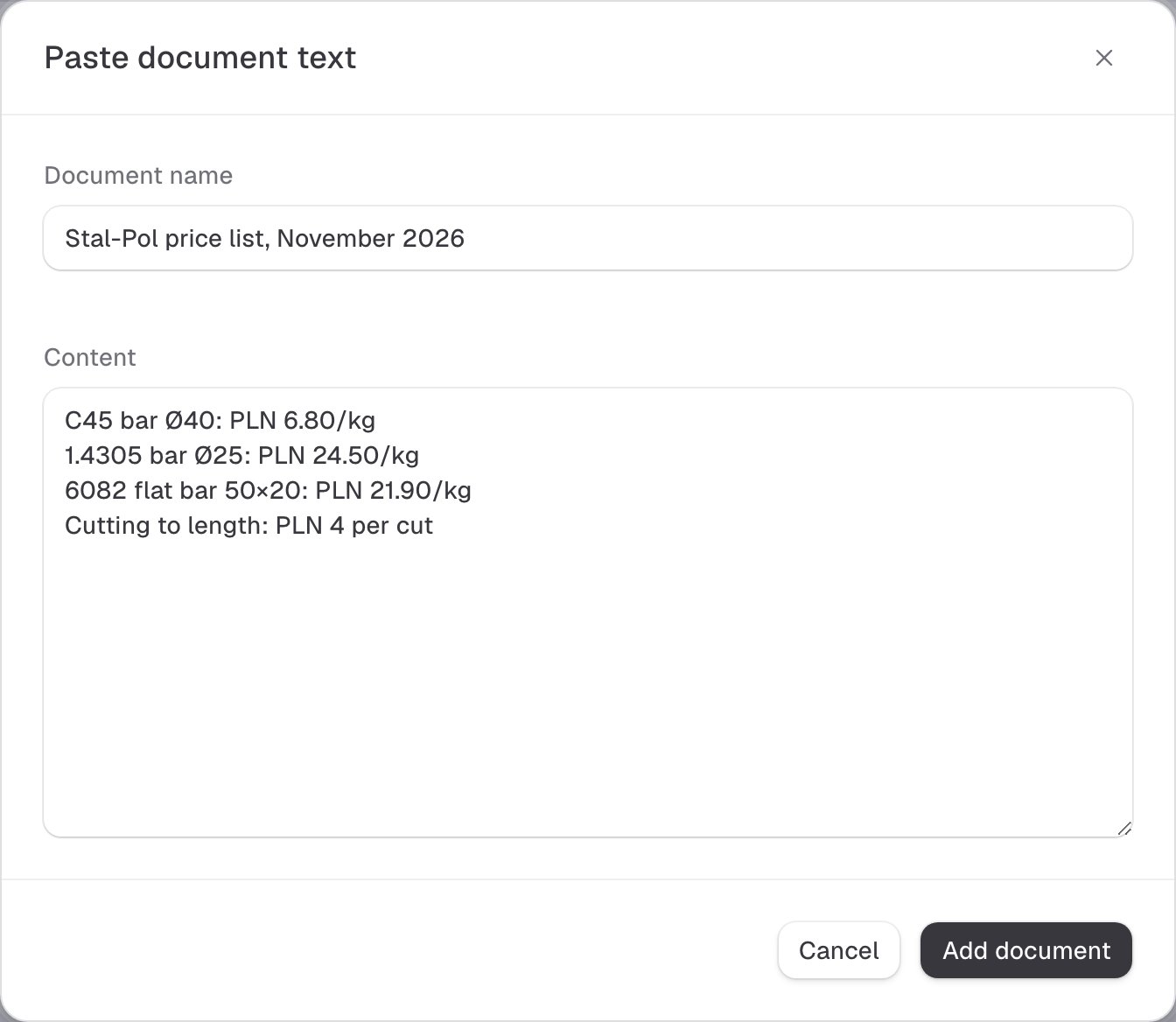
3
Add the document
Click Add document. The document appears in the list with “Pasted text” and its number of characters.
Add a file
Click Add file and pick a PDF, TXT, MD or CSV file. Save an Excel sheet as CSV first. The file name becomes the document name.- Text and CSV files are added straight away and don’t use OperatorAI turns.
- The assistant transcribes a PDF once, when it’s added, which can take up to a minute. A short price list takes about one turn from the pool, a thick catalogue up to a few dozen. A PDF can be up to 15 MB, and a very long catalogue is better split into parts.
Update or delete a document
Documents can’t be edited. When a supplier sends a new price list, add it, then delete the old one with the bin icon and confirm with Delete document.Keep short facts in memory
Memory holds short facts the assistant remembers between conversations, such as “Mecharol always wants a 3.1 certificate for steel”. Each entry can be up to 500 characters.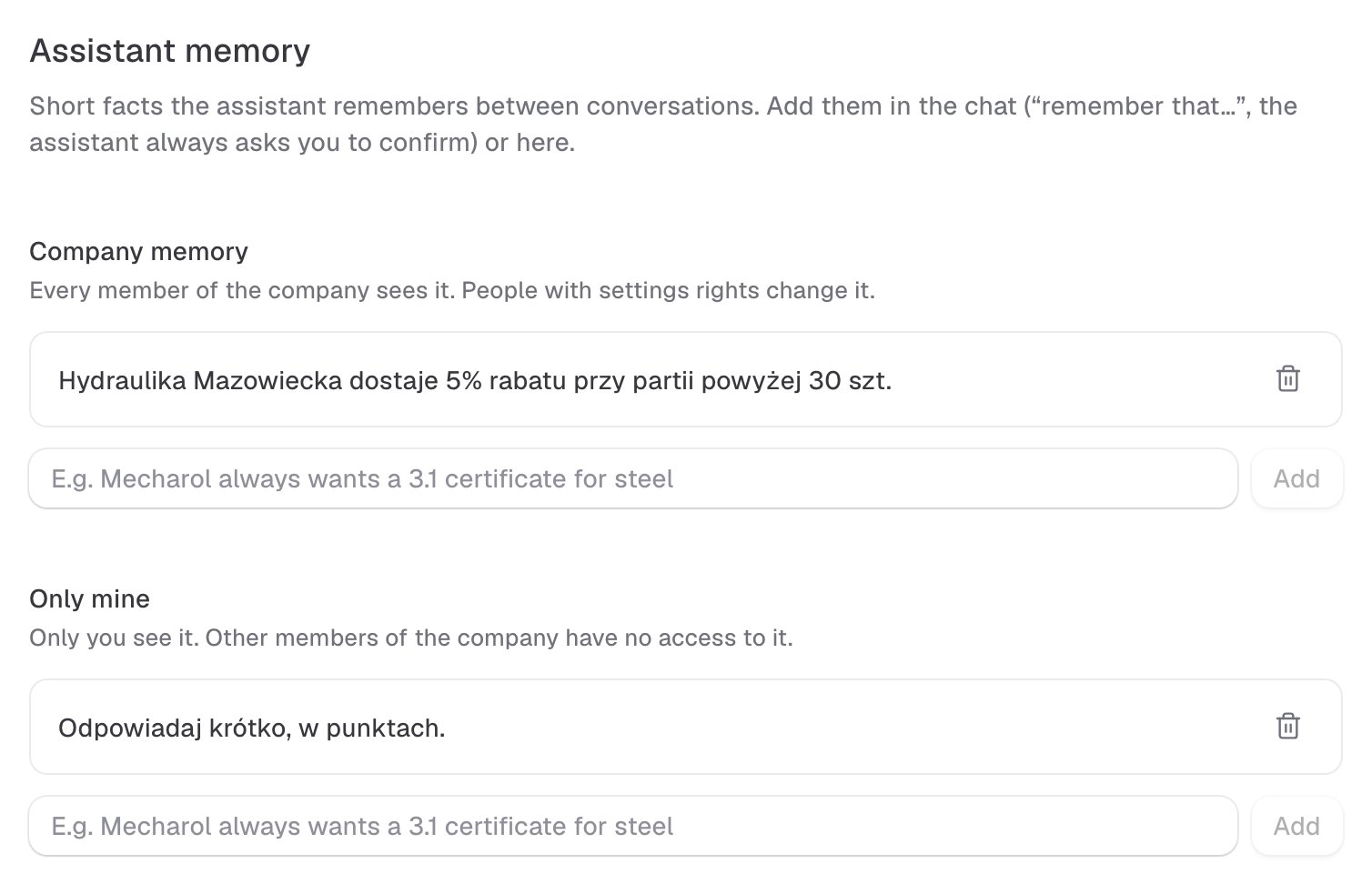
- Company memory is visible to everyone in the company and goes into everyone’s conversations,
- Only mine is visible only to you, for example “Answer briefly, in bullet points”.
Who can change the assistant’s knowledge?
Everyone in the company can see the instructions, documents and company memory, but only people with the Organisation settings permission, by default the owner and administrators, can change them. Everyone else sees “Company knowledge is changed by people with organisation settings rights.” at the top of the page, with the fields and buttons greyed out. Everyone fills in their own Only mine memory. More in Roles and permissions.What’s next?
Working with OperatorAI
Ask the assistant for a material price and see which price list it came from.
The request inbox
Turn client e-mails into quote drafts.