

Where do I start?
Quickstart
Create an account, set up your company and save your first quote.
Signing in and passwords
Sign in, recover your password and join a company from an invitation.
Finding your way around
The sidebar, search, notifications and switching language.
Open the app
Sign in and get back to your quotes.
Quotes and clients
Pricing a part, a price you can defend to your client, and the PDF offer you send them.Create a quote
Price a part step by step, from material to margin and discount.
How is the price calculated?
Every line of the cost breakdown explained on an example.
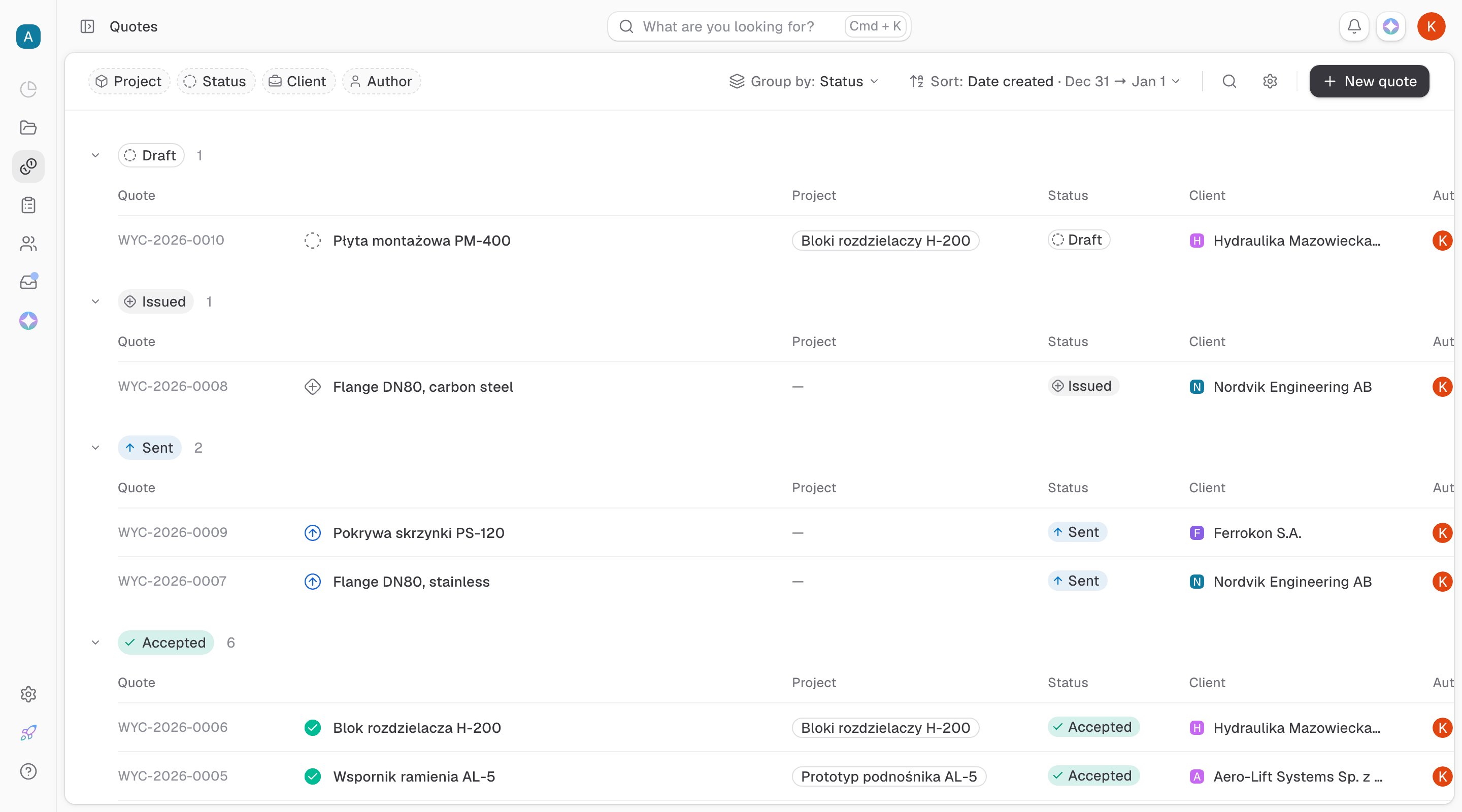
The quote list
Search, filter, group and act on several quotes at once.
Statuses and the PDF offer
From draft to accepted, and the offer you send.
Clients
Add a company with details from GUS and keep its contacts.
Orders and projects
The work from an accepted offer to finished parts.Orders
The status, deadline, priority and payment of every order.
Working on an order
Tasks, drawings, 3D files and comments in one place.
Projects
Group several orders of one client under a project.
OperatorAI
The assistant that knows your quotes, orders and clients.Working with OperatorAI
Ask about your data and turn inquiries into quote drafts.
The request inbox
Requests for quote that reach your company address.
Inbox settings
The inbox address, mail forwarding and request statuses.
The assistant's knowledge
Instructions, price lists and documents OperatorAI works from.
Team and company
Who works in the company, what they can change and which details go on your offers.Team
Invite coworkers and manage their roles.
Roles and permissions
What each role can do and how to create your own.
Several companies, one account
Switch between companies and create another one.
Company details
The name, logo and details shown on every PDF offer.
Plan and billing
Your plan, usage, invoices and OperatorAI turn packs.
Your account
Settings that apply to you, not to the whole company.Your profile
Your name, photo, phone, password and app language.
Notifications
Choose what you hear about and where.